
Tesla expands full-screen mode in the Theater. Apple TV, HBO Max, and Peacock work as native shortcuts
Tesla has begun to recognize VOD services in vehicles more broadly and opening them directly in a full-screen window without a address bar, similar to Netflix or YouTube on Tesla Kino. The change was observed on August 21, 2026, and tests confirmed functionality with services such as Apple TV, HBO Max, Paramount+, Peacock, and Disney+. For users, the benefit is simple: fewer clicks and less navigation through a browser.
Until now, practically every service could be accessed in a Tesla while parked using a browser. The difference was that we first saw a regular window with controls and an address bar, and only after starting the content could we switch to full screen. Now, some services jump directly into “cinema” mode, meaning a window without those elements.
Today I learned that if you go to Apple TV in the Tesla browser, it will open a fully functional actual Apple TV app, not just the website.
It seems there are more apps than just the few that appear on the apps page. pic.twitter.com/os1Ypfm4JR
— Jason W (@jmwilt21) August 20, 2026
The list of confirmed services includes HBO Max, Paramount+, Peacock, Apple TV, and Disney+. This adds to the apps already available in Tesla Kino, such as Netflix, Hulu, YouTube, Twitch, and TikTok.
In short, Tesla isn’t “porting” anything like a traditional mobile or TV app. Kino is essentially a website opened in a browser without an interface. That’s why adding more services shouldn’t be a major project for the company. On paper, it’s just a matter of recognizing the address and loading the corresponding view. However, marketing-wise, it can be presented as “new support.”
What’s Still Missing in Tesla Kino
Not all services adapt to this new behavior. Beyond this more convenient mode, services like Crunchyroll, Discovery+, and TV replacement platforms such as Sling TV or YouTube TV still remain unaffected. They continue to work through a regular browser, or via existing workarounds like using YouTube for redirection or switching to full screen manually after playback starts.
For now, this seems more like a quiet preparation rather than a complete overhaul of Tesla Kino. If Tesla adds shortcuts to these services directly within the Kino app, the change will be visible to everyone, not just those who save the URLs in bookmarks.
The rear screen can benefit the most
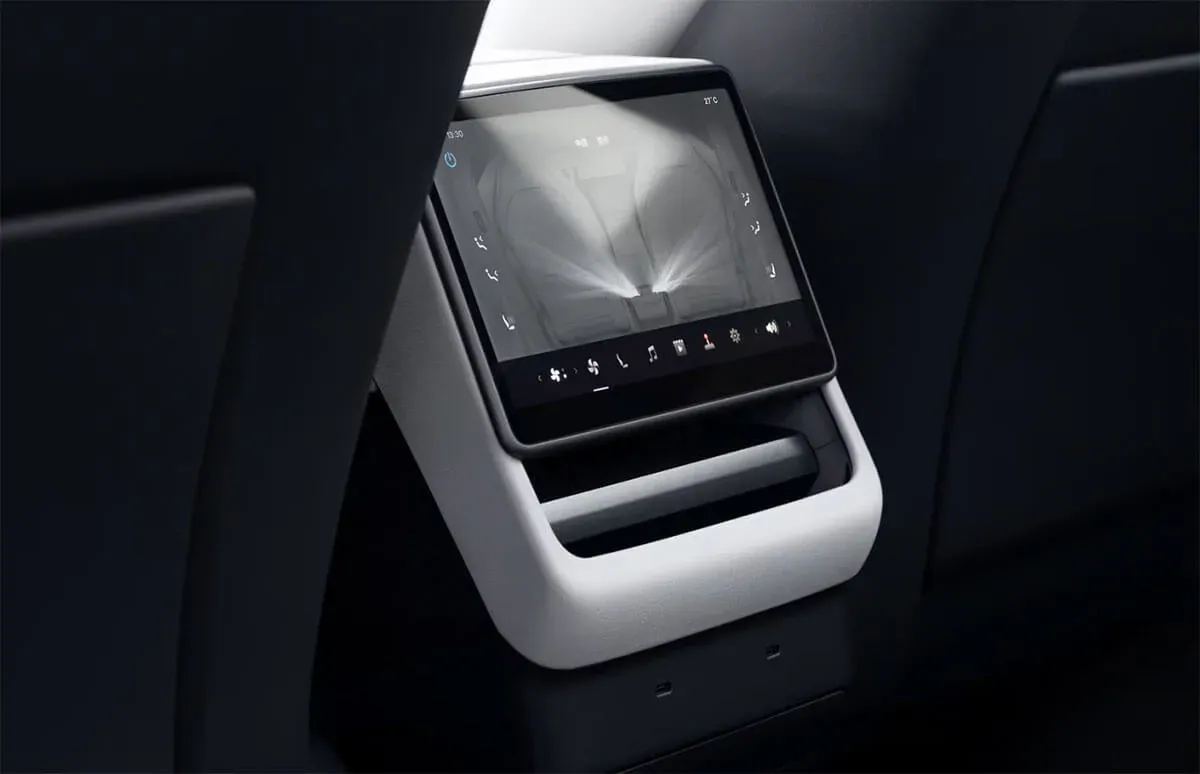
There’s another aspect that’s even more important than the main display. The back seat of the car doesn’t have a regular browser, so accessing other VOD services there is more cumbersome. If Tesla officially adds more services to Kino, the rear passengers will benefit the most since there won’t be a need to use workarounds.
This also shows where the “app” ends today and a regular browser extension begins. Tesla has plenty of room here for quick improvements, but it seems they haven’t been very eager to make use of it so far.
The most interesting part won’t be that HBO Max opens without a URL bar, but rather whether Tesla will finally add regular shortcuts to Kino. Which VOD services would you prefer to use in a Tesla: Apple TV, Max, or maybe YouTube TV?
Order your Tesla and take advantage of purchase bonuses using the referral link!
LovEV Newsletter
Want more content like this?
Sign up — we’ll send you a weekly roundup once the newsletter starts.